
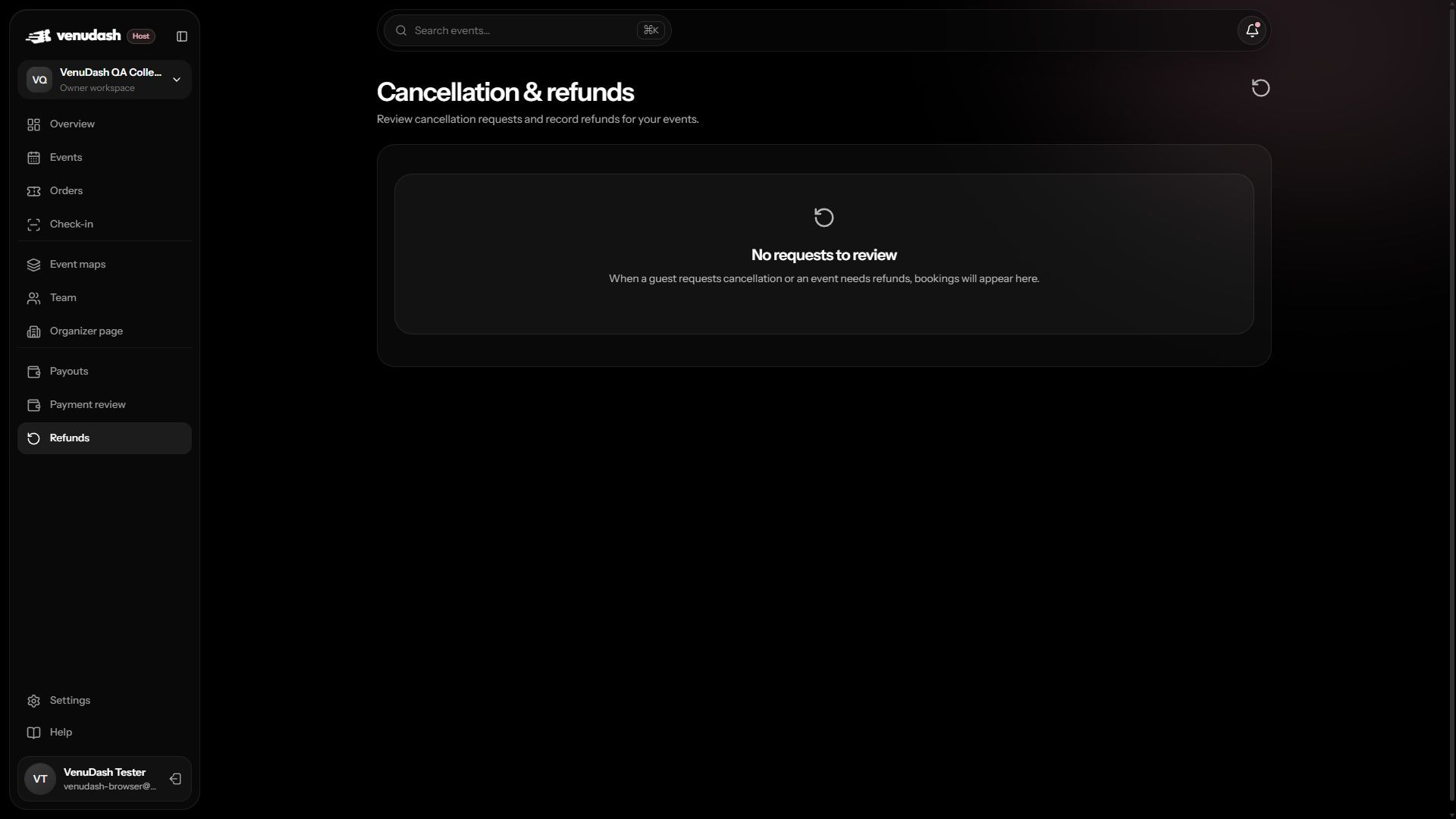
Review a guest request
- Open Cancellation & refunds as an owner, manager, or finance member.
- Find the booking and read the guest’s reason and current request status.
- Check your published conditions and the relevant booking/payment records.
- Write a clear response. Approve & revoke tickets cancels all tickets in the booking. If a voluntary request is declined, explain why.
Record a paid refund
- After approval, return the money through the appropriate payment method outside VenuDash.
- Check that the repayment completed and keep its transaction reference.
- Enter the reference and response in the refund record, then choose Record completed refund.
- Check the updated status. This action records repayment; it does not move money.
Cancel an entire event
- Open the event’s cancellation action and read the confirmation carefully.
- Enter a reason that is useful to attendees and acknowledge responsibility for paid refunds.
- Confirm cancellation only when the event will not proceed. This cannot be undone.
- Review the resulting refund work. Sales stop, tickets are revoked, and guests receive email and in-app notifications.
Support existing guests
Pausing sales is useful while investigating an issue, but it does not cancel the event or its tickets. Use the cancellation workflow when that is the actual decision. Refund records stay accessible to authorized staff even if the organizer’s sales access is suspended.