
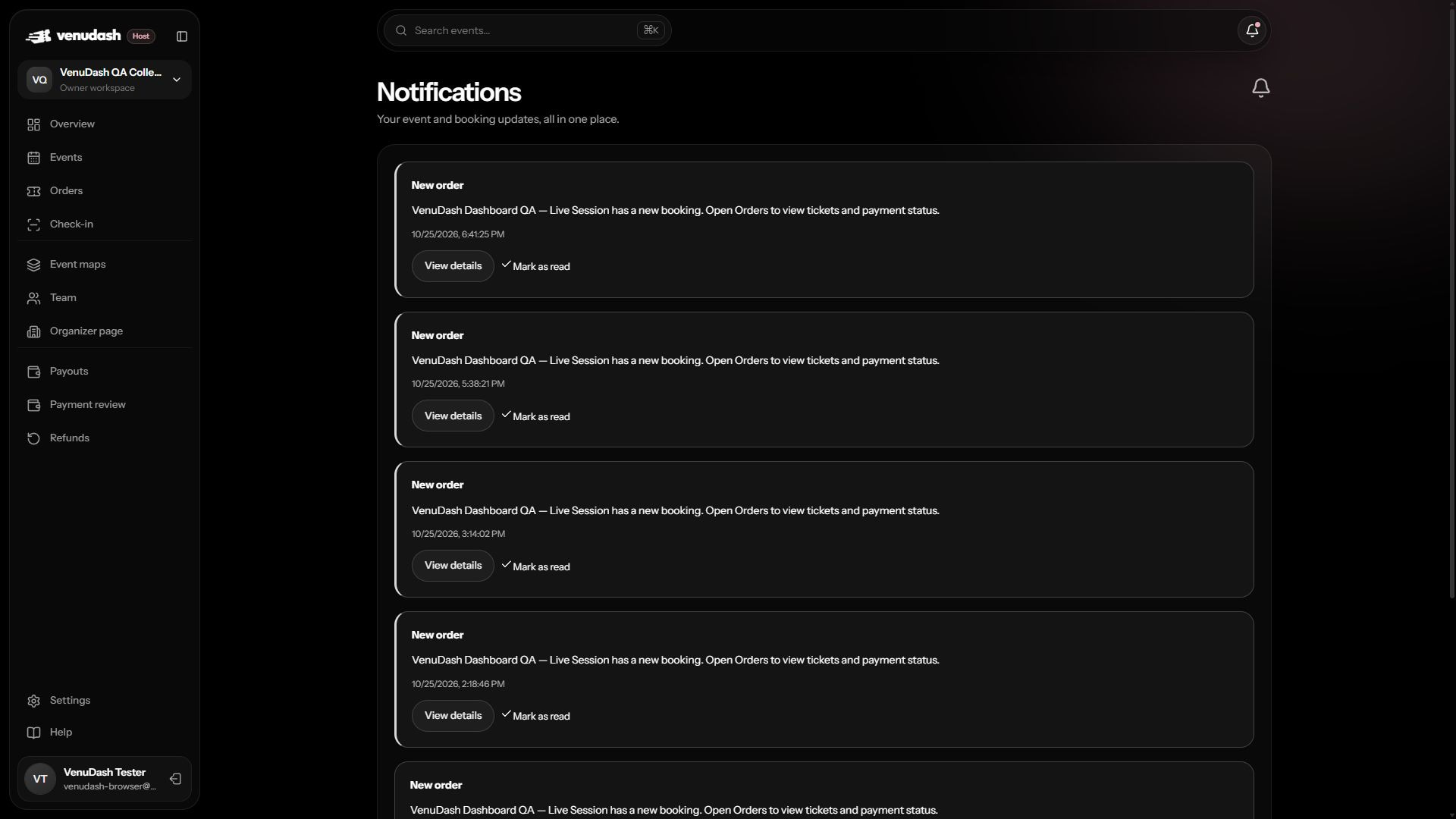
Open your updates
- Select the notification bell in the app header. Hosts can also use Notifications in the workspace sidebar.
- Read the update and follow its link to the affected event or booking.
- Use the read controls to keep track of updates you have already reviewed.
Email and in-app updates
Important lifecycle updates, such as event cancellation, can appear in both email and VenuDash. If an email is delayed, check the booking’s current status in the app. Opening Notifications does not change your selected host workspace.
An update looks unfamiliar
Check the event and booking reference before acting. Use the signed-in app to inspect the current record. Do not share your sign-in code, and do not pay an unfamiliar recipient based only on a message.