
Narrow down Explore
- Open Explore, enter an event, venue, artist or organizer in the search field, then press Enter or choose the arrow button. Clear the field and submit again to remove the search.
- Choose All locations, search for a city, neighborhood or venue, and select a result. Adjust the map pin and radius, then choose Apply location.
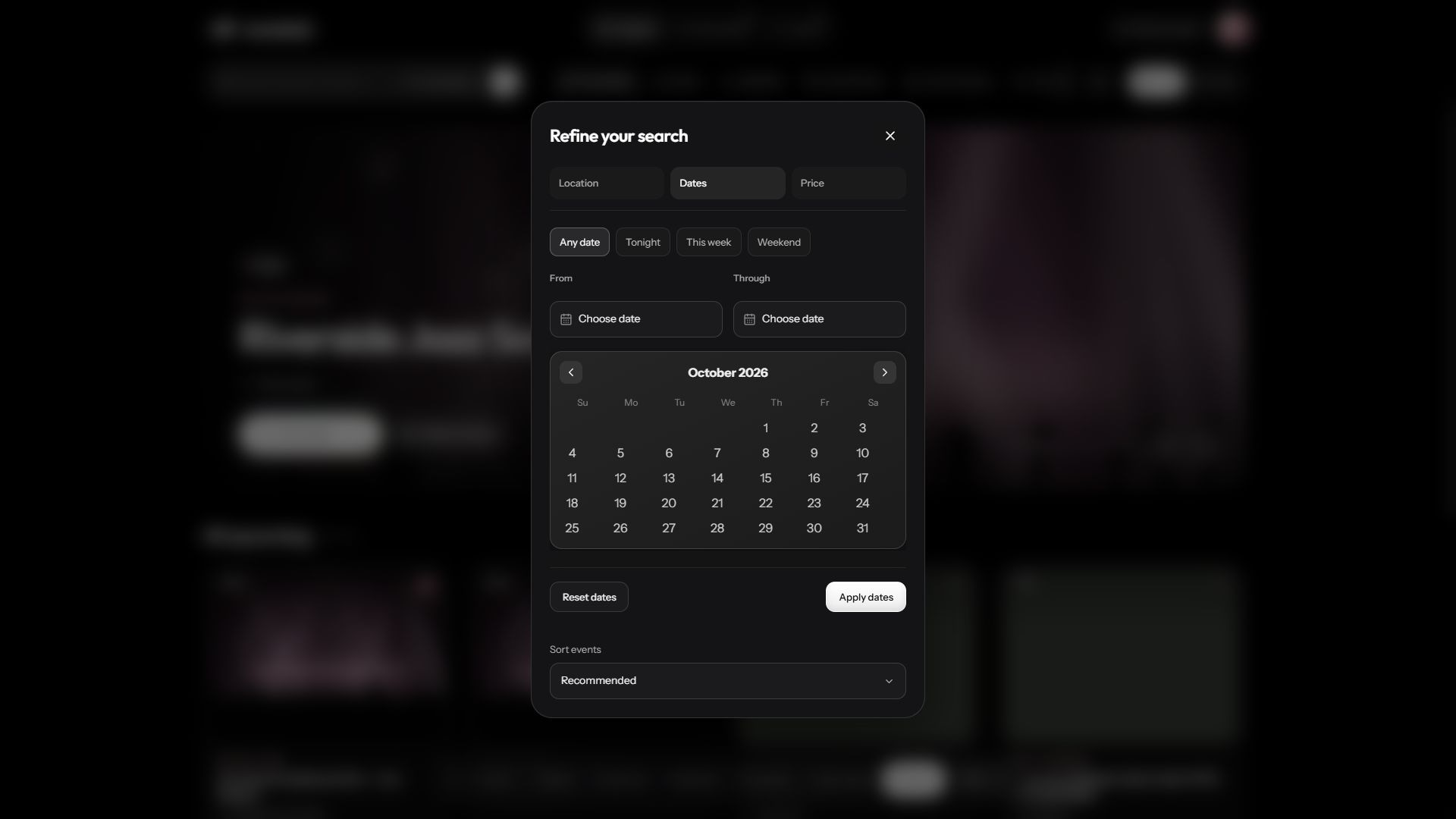
- Use the bottom time bar for Now, Tonight, Tomorrow, Weekend, This week, This month or Anytime. For a custom range, open More filters, select Dates, choose From and Through, then Apply dates.
- Choose a category above the events. Use the arrows to reveal more categories. In More filters, open Price for Any price, Free or Paid, select a currency and maximum price, then Apply price. Sort events changes the order of results.
- Open an event card to read the full event details before booking.
Use the map and alternate views
Where a map is shown, move or zoom it to understand where events take place. A map position is a location reference; check the event’s written venue information for the entrance and arrival instructions.
Switch between List and Map. The featured banner opens the event; Get tickets opens its ticket options, and Show on map locates it. Select a map marker or card to inspect an event and open its details.
Nothing matches
Clear the search text and remove restrictive filters one at a time. Check that the date range includes the day you want. An empty result means no currently listed event matches those filters; it does not mean your account is broken.
Share an event
Open the event and choose the share icon. Copy its link or choose WhatsApp, Facebook, X or Email. Public event links use a readable event slug. Sharing a link does not share your private ticket QR code.
Check the organizer
The organizer’s name links to their public page. An approved organizer can display a verified badge. Read their event description and payment or cancellation conditions before placing a booking.